
If you’ve ever tried to grow a website without the right tools, you already know how overwhelming SEO can feel. Keywords, backlinks, technical audits, competitor spying there’s a lot to juggle. That’s exactly why SEO software exists: to take the guesswork out of search engine optimization and replace it with data-driven decisions.
But here’s the problem there are dozens of SEO tools on the market, all claiming to be the best. Some are built for beginners. Others are powerhouses designed for seasoned agencies. Some cost a fortune, while others are surprisingly affordable. How do you know which one is actually worth your money?
That’s what this guide is for.
Whether you’re a solo blogger trying to rank your first article, a freelance SEO consultant managing multiple clients, or a marketing director at a growing e-commerce brand this comprehensive SEO software review will help you find the right tool for your exact situation.
How We Evaluated Each Tool: We tested each platform based on feature depth, data accuracy, ease of use, pricing, customer support, and overall value. We also considered user feedback from real SEO professionals across industries.
What to Look for in SEO Software
Before diving into the reviews, it’s important to understand what separates a great SEO tool from a mediocre one. Here are the key criteria you should evaluate:
Keyword Research Capabilities The foundation of any SEO strategy is keyword research. A good SEO tool should offer search volume data, keyword difficulty scores, long-tail keyword suggestions, and trend analysis. The more accurate and expansive the keyword database, the better.
Backlink Analysis & Link Building Features Backlinks remain one of Google’s top ranking factors. Your SEO software should let you analyze your own backlink profile, spy on competitors’ links, identify toxic links, and find new link-building opportunities. Tools with large, frequently updated link indexes are significantly more valuable.
Site Audit & Technical SEO Tools Technical SEO issues like broken links, slow page speed, missing meta tags, duplicate content, and crawl errors can silently kill your rankings. A solid site audit feature will scan your entire website and prioritize issues by severity.
Rank Tracking Accuracy You need to know where your pages rank and more importantly, whether they’re moving up or down. Look for tools that track rankings daily, support multiple locations and devices, and allow you to monitor competitor rankings side by side.
Competitor Analysis Features Understanding what’s working for your competitors gives you a massive shortcut. The best SEO platforms show you competitor keywords, top-performing pages, backlink sources, and traffic estimates so you can reverse-engineer their success.
Reporting & Dashboard Quality Whether you’re reporting to a client or your own team, clean, customizable dashboards and automated reports save hours each week. White-label reporting is especially important for agencies.
Ease of Use A tool packed with features means nothing if it’s too confusing to use. Beginners need intuitive interfaces with guided workflows. Advanced users need depth without sacrificing speed.
Pricing & Value for Money SEO tools range from free to thousands of dollars per month. The right price point depends on your needs, but the best tools offer flexible plans that scale with your business.
Customer Support & Documentation When you’re stuck, responsive support and thorough documentation make all the difference. Look for tools with live chat, detailed knowledge bases, and active user communities.
Integrations The best SEO software connects seamlessly with Google Search Console, Google Analytics 4, WordPress, Shopify, and other platforms you already use saving you time and centralizing your data.
Top SEO Software Reviews
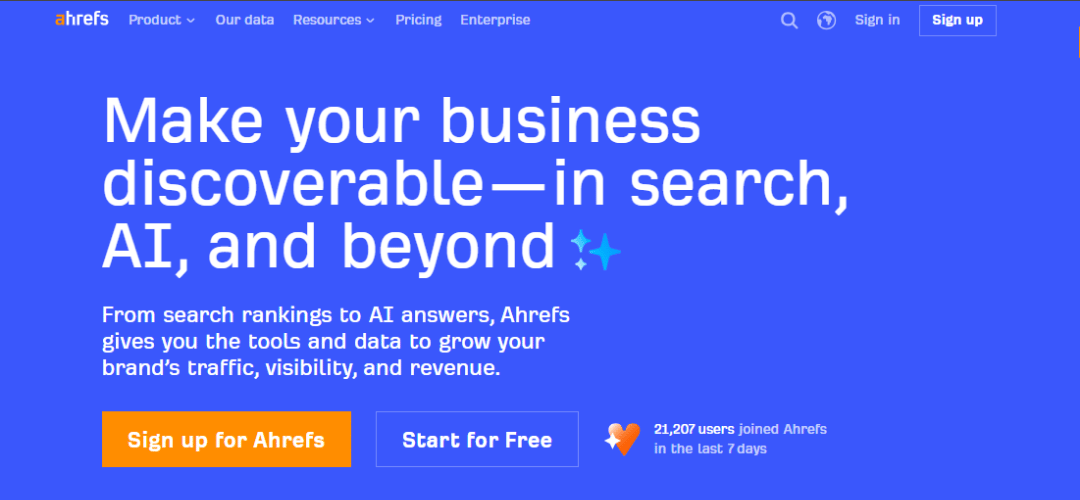
Ahrefs
Overview & Who It’s Best For Ahrefs is widely considered the gold standard for backlink analysis, but it’s evolved into one of the most complete all-in-one SEO platforms available. It’s best suited for intermediate to advanced SEO professionals, content marketers, and agencies who need deep data and reliable metrics.
Key Features
- Site Explorer: Analyze any website’s backlink profile and organic traffic
- Keywords Explorer: Access data from 10+ search engines with over 20 billion keywords
- Site Audit: Crawl your website and identify technical SEO issues
- Content Explorer: Discover top-performing content in any niche
- Rank Tracker: Monitor keyword rankings over time
- Competitive gap analysis
Pros
- The largest and most accurate backlink database in the industry
- Excellent keyword data across multiple search engines including YouTube and Amazon
- Highly intuitive interface despite being feature-rich
- Regular product updates and new feature releases
- Excellent learning resources (Ahrefs Academy, YouTube channel)
Cons
- No free plan (only a limited free account with Ahrefs Webmaster Tools)
- Can be expensive for small businesses or solopreneurs
- Some features like content gap analysis have a learning curve
Pricing
- Lite: $129/month
- Standard: $249/month
- Advanced: $449/month
- Enterprise: Custom pricing
Semrush
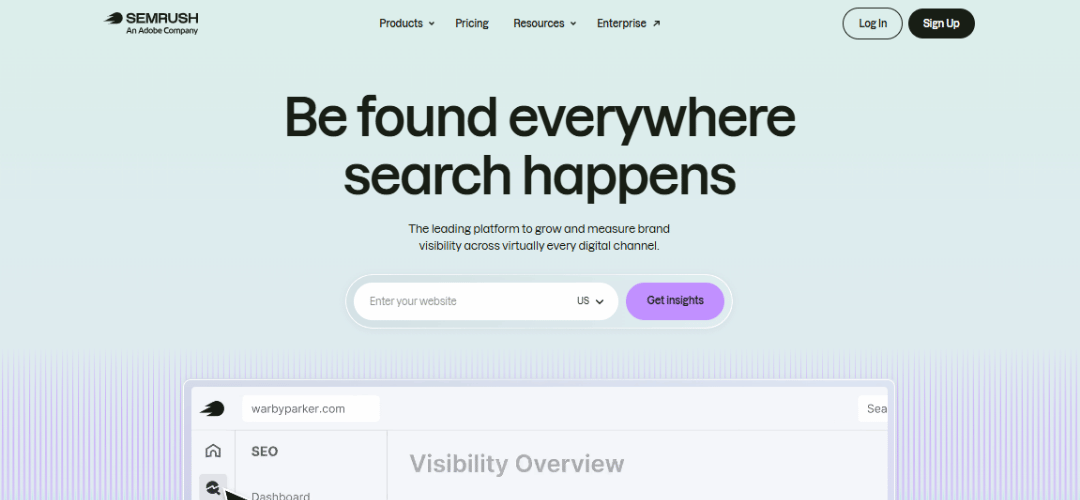
Overview & Who It’s Best For Semrush is arguably the most feature-rich SEO platform on the market. It goes beyond pure SEO to include PPC research, social media tools, content marketing, and more. It’s ideal for digital marketing agencies, in-house teams, and anyone who wants a single platform to manage their entire online visibility strategy.
Key Features
- Keyword Magic Tool with 25+ billion keywords
- Domain Analytics and Traffic Analytics
- Backlink audit and link building tool
- Technical site audit
- Position tracking with daily updates
- Content Marketing Toolkit
- Social media and PPC research tools
- Local SEO features
Pros
- The most comprehensive feature set of any SEO tool
- Excellent competitor research capabilities
- Strong reporting and white-label options for agencies
- Constant innovation — new features added regularly
- Good customer support and an extensive knowledge base
Cons
- Can feel overwhelming for beginners due to the sheer number of features
- More expensive than most alternatives
- Some data metrics (like traffic estimates) can be inconsistent
Pricing
- Pro: $139.95/month
- Guru: $249.95/month
- Business: $499.95/month
Moz Pro
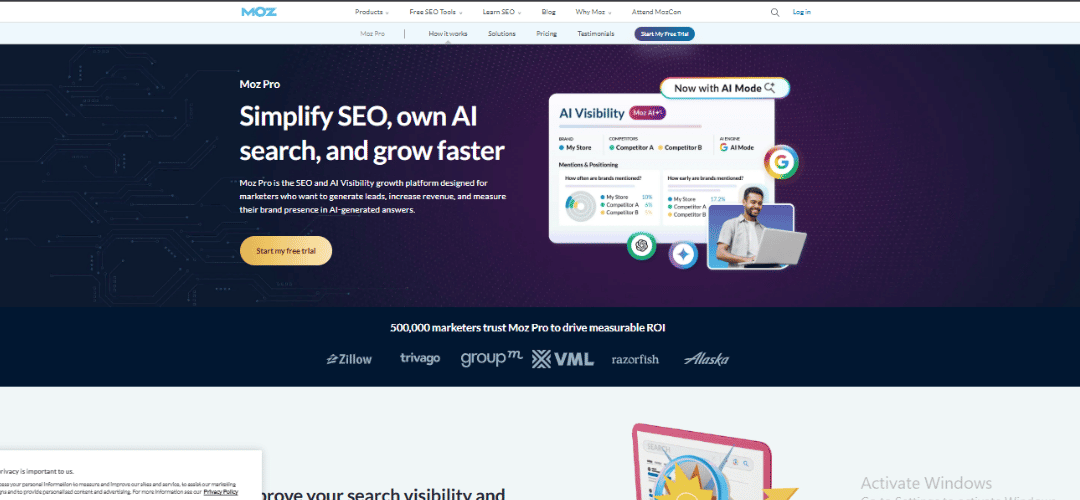
Overview & Who It’s Best For Moz Pro is one of the original SEO tools and remains a solid choice, particularly for those who are newer to SEO or want a less overwhelming experience. It’s best for small businesses, beginners, and teams that value simplicity and trust.
Key Features
- Keyword Explorer with Keyword Difficulty and Priority scores
- Link Explorer for backlink analysis
- Site crawl and technical SEO audit
- Rank tracking with MozBar browser extension
- On-page optimization recommendations
- Local SEO tools (Moz Local, sold separately)
Pros
- Clean, beginner-friendly interface
- Invented Domain Authority (DA) — still a trusted industry metric
- Good educational content and community (Moz Blog, Whiteboard Friday)
- Solid keyword research and on-page SEO tools
Cons
- Smaller backlink index compared to Ahrefs and Semrush
- Rank tracking updates are slower (not daily by default)
- Has fallen somewhat behind competitors in innovation
Pricing
- Starter: $49/month
- Standard: $99/month
- Medium: $179/month
- Large: $299/month
Surfer SEO
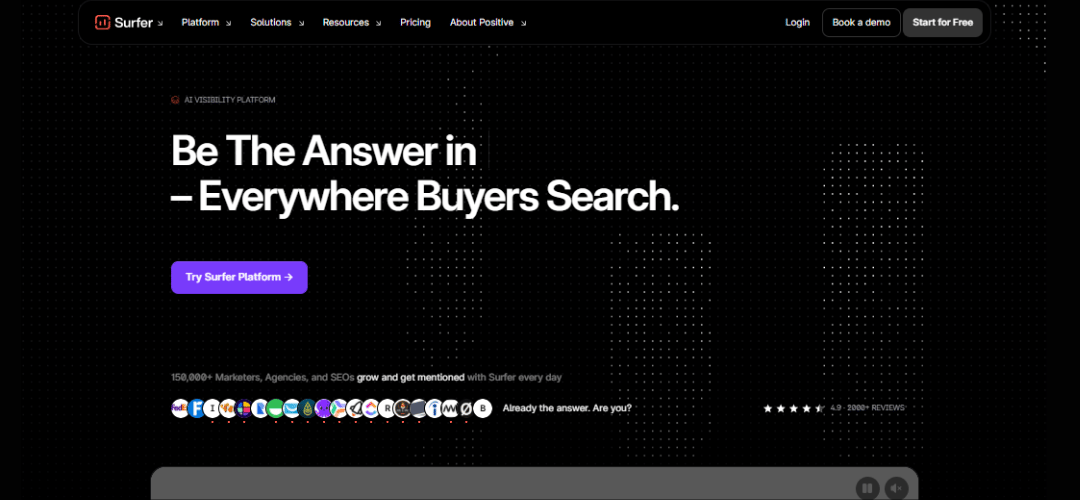
Overview & Who It’s Best For Surfer SEO is a content optimization tool focused on helping you write content that ranks. Unlike traditional SEO tools, Surfer analyzes top-ranking pages and gives you a real-time content score as you write. It’s perfect for content writers, bloggers, and content-driven SEO strategies.
Key Features
- Content Editor with real-time NLP-based suggestions
- SERP Analyzer to reverse-engineer top-ranking pages
- Keyword research and clustering
- Audit tool for existing content
- AI writing assistant (Surfer AI)
- Integration with Google Docs and WordPress
Pros
- Industry-leading content optimization workflow
- Real-time scoring makes it easy to optimize as you write
- Excellent for teams producing high volumes of content
- Surfer AI speeds up content creation significantly
- Integrates smoothly with Google Docs
Cons
- Not a complete SEO suite — lacks backlink analysis and rank tracking
- Best used alongside another tool like Ahrefs or Semrush
- AI-generated content still requires human editing for quality
Pricing
- Essential: $89/month
- Scale: $129/month
- Scale AI: $219/month
- Enterprise: Custom
Screaming Frog SEO Spider
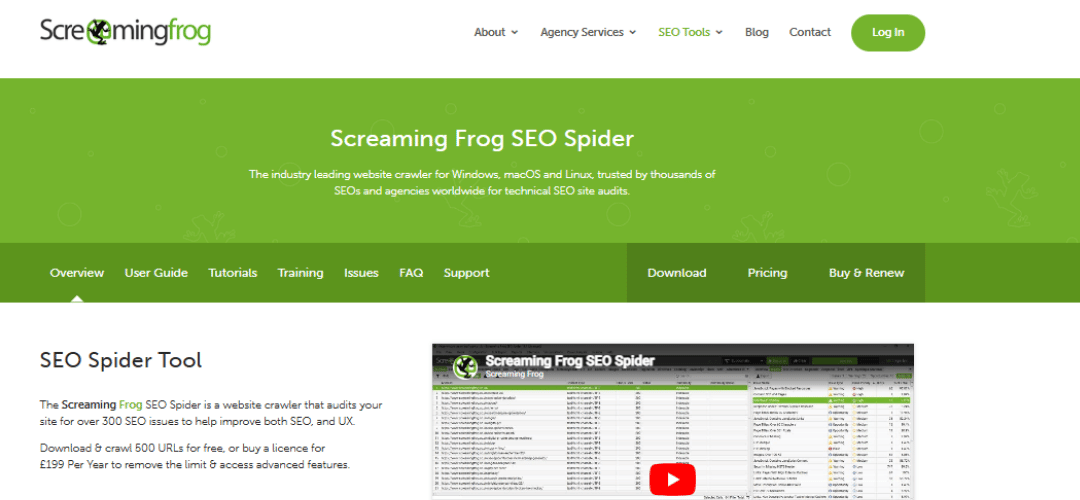
Overview & Who It’s Best For Screaming Frog is the industry’s leading website crawler — a desktop application that audits your site from a technical SEO perspective. It’s beloved by technical SEO specialists and developers for its depth and precision.
Key Features
- Full website crawl for technical issues
- Identifies broken links, redirect chains, duplicate content
- Meta data analysis (titles, descriptions, headings)
- Crawl of JavaScript-rendered pages
- Integration with Google Analytics and Search Console
- XML sitemap generation
- Custom extraction using XPath/CSS selectors
Pros
- Extremely detailed and accurate technical audits
- Crawls up to 500 URLs for free
- Highly customizable for advanced users
- Constantly updated to reflect new SEO best practices
- One of the most affordable premium tools available
Cons
- Desktop app — not cloud-based, so it’s limited to your machine’s processing power
- Interface can feel dated and intimidating for beginners
- Not an all-in-one tool — no keyword or backlink features
Pricing
- Free: Up to 500 URLs
- Paid License: £259/year (~$330/year)
SE Ranking
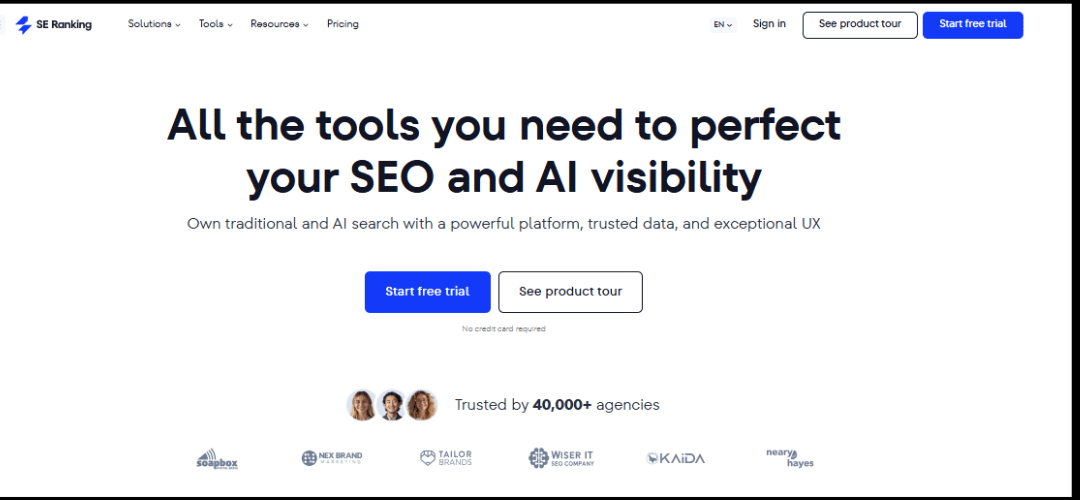
Overview & Who It’s Best For SE Ranking is a rapidly growing all-in-one SEO platform that offers strong features at a significantly lower price point than Ahrefs or Semrush. It’s ideal for small to mid-sized businesses, freelancers, and budget-conscious agencies.
Key Features
- Keyword rank tracking with daily updates
- Website audit tool
- Backlink monitoring and checker
- Competitor SEO and PPC analysis
- On-page SEO checker
- White-label reporting for agencies
- Local SEO marketing plan
Pros
- Excellent value for money — one of the most affordable full-suite tools
- Clean, easy-to-navigate interface
- Solid rank tracking with flexible update frequency
- Good white-label and client management features
- Responsive customer support
Cons
- Backlink database not as comprehensive as Ahrefs or Semrush
- Keyword data can be less accurate for some regions
- Some advanced features still in development
Pricing
- Essential: $65/month
- Pro: $119/month
- Business: $259/month
Mangools (KWFinder)
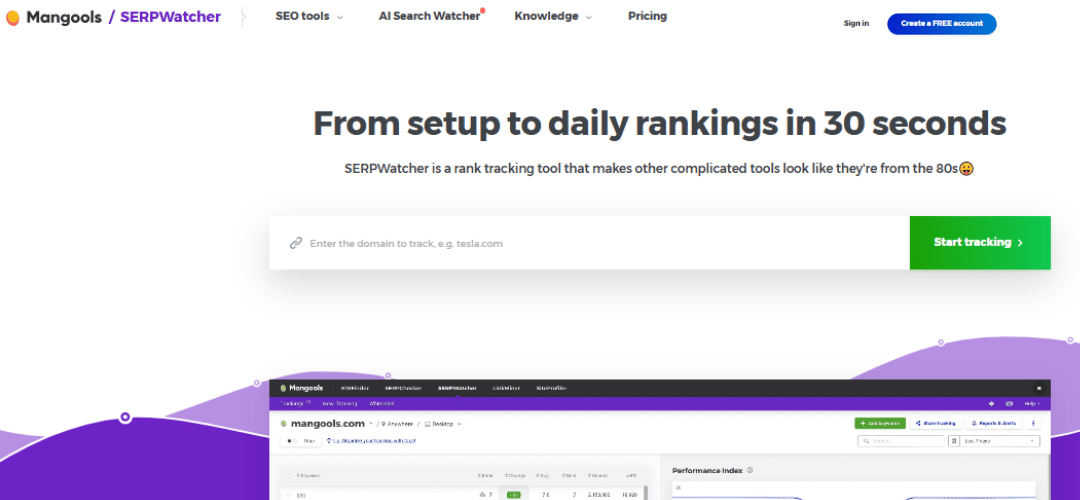
Overview & Who It’s Best For Mangools is a suite of five SEO tools centered around its flagship product, KWFinder. It’s designed with simplicity and affordability in mind, making it the top choice for bloggers, beginners, and small business owners who want actionable data without the complexity.
Key Features
- KWFinder: Keyword research with accurate difficulty scores
- SERPChecker: Analyze Google SERP results in detail
- SERPWatcher: Rank tracking with a unique Dominance Index metric
- LinkMiner: Backlink analysis
- SiteProfiler: Quick website SEO overview
Pros
- One of the most beginner-friendly tools available
- Highly accurate keyword difficulty scores
- Beautiful, intuitive interface
- Very affordable compared to major competitors
- Great for identifying low-competition keywords
Cons
- Limited data compared to Ahrefs and Semrush
- Not suitable for large-scale enterprise SEO
- Backlink database is smaller than top competitors
Pricing
- Mangools Basic: $49/month
- Mangools Premium: $69/month
- Mangools Agency: $129/month
Ubersuggest
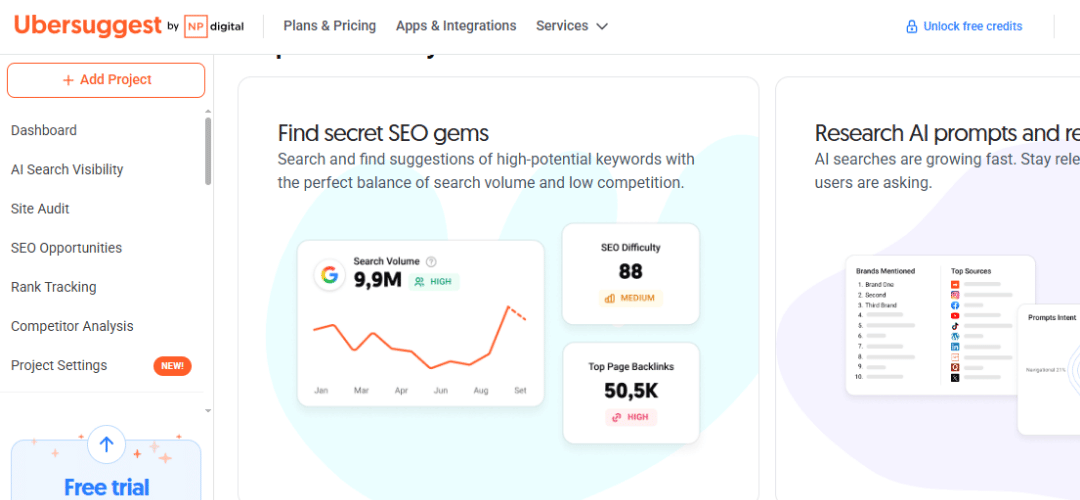
Overview & Who It’s Best For Created by digital marketing guru Neil Patel, Ubersuggest is one of the most accessible and affordable SEO tools available. It’s best for beginners, small businesses, and anyone looking to dip their toes into SEO without a major financial commitment.
Key Features
- Keyword research and content ideas
- Domain overview and traffic estimation
- Backlink data
- Site audit tool
- Competitor analysis
- AI-powered writing assistant
Pros
- Very affordable — includes a free tier
- Simple, clean interface great for beginners
- Lifetime deal available (one-time payment)
- Neil Patel’s brand brings credibility and educational content
- Good for basic SEO insights
Cons
- Data accuracy lags behind Ahrefs and Semrush
- Limited features for advanced SEO work
- Backlink database is relatively small
- Customer support can be slow
Pricing
- Free: Limited daily searches
- Individual: $12/month
- Business: $20/month
- Enterprise: $40/month
- Lifetime deals also available
SEO Software Comparison Tables
Feature Comparison Table
| Tool | Keyword Research | Backlinks | Site Audit | Rank Tracking | Starting Price |
| Ahrefs | ✅ | ✅ | ✅ | ✅ | $129/mo |
| Semrush | ✅ | ✅ | ✅ | ✅ | $139.95/mo |
| Moz Pro | ✅ | ✅ | ✅ | ✅ | $49/mo |
| Surfer SEO | ✅ | ❌ | ✅ | ❌ | $89/mo |
| Screaming Frog | ❌ | ❌ | ✅ | ❌ | Free / $330/yr |
| SE Ranking | ✅ | ✅ | ✅ | ✅ | $65/mo |
| Mangools | ✅ | ✅ | ❌ | ✅ | $49/mo |
| Ubersuggest | ✅ | ✅ | ✅ | ✅ | Free / $12/mo |
Best For Comparison
| Use Case | Best Tool |
| Beginners | Mangools / Ubersuggest |
| Agencies | Semrush / SE Ranking |
| Bloggers & Content Creators | Surfer SEO + Ahrefs |
| E-commerce | Semrush / Ahrefs |
| Technical SEO | Screaming Frog |
| Budget Users | SE Ranking / Ubersuggest |
| Enterprise | Semrush / BrightEdge |
| Link Building | Ahrefs / Majestic |
Category-Based Recommendations
Best All-in-One SEO Software: Semrush With its massive feature set covering SEO, PPC, content, and social Semrush is the most complete platform for teams that want everything in one place.
Best for Keyword Research: Ahrefs Ahrefs’ Keywords Explorer offers data from 10+ search engines with the most comprehensive keyword database on the market.
Best for Technical SEO Audits: Screaming Frog No tool crawls a website with more depth and precision. At under $330/year, it’s an unbeatable value for technical audits.
Best for Link Building: Ahrefs The largest backlink index in the industry, combined with powerful link prospecting and outreach tracking features.
Best for Content Optimization: Surfer SEO Real-time NLP-based content scoring and SERP analysis make Surfer the top choice for content-driven SEO.
Best Budget Option: SE Ranking Full-suite functionality at roughly half the price of Ahrefs or Semrush. A no-brainer for budget-conscious users.
Best Free SEO Software: Google Search Console It’s free, it’s directly from Google, and it provides performance data, index coverage reports, and Core Web Vitals insights you can’t get anywhere else.
Best for Local SEO: BrightLocal / SE Ranking BrightLocal specializes in local citation tracking, review management, and local rank tracking. SE Ranking also has solid local SEO features at a better price.
Free vs. Paid SEO Tools: Is Upgrading Worth It?
Free SEO tools like Google Search Console, Google Analytics, and Ubersuggest’s free tier are excellent starting points but they have significant limitations.
What Free Tools Can Do:
- Show you how your site performs in Google Search
- Identify indexing issues and manual penalties
- Provide basic keyword data
- Track traffic trends
What Free Tools Can’t Do:
- Give you competitive backlink data at scale
- Provide accurate keyword difficulty scores across thousands of keywords
- Run comprehensive technical site audits
- Track dozens of keywords with daily updates
- Reveal competitor strategies in detail
When to Invest in a Paid Tool: If you’re publishing content regularly, running a business that depends on organic traffic, or managing SEO for clients — investing in a paid tool pays for itself quickly. Even at $65–$129/month, the data and time savings far outweigh the cost when SEO is a core part of your strategy.
The ROI of SEO Tools: A single well-optimized article ranking on page 1 can bring in hundreds or thousands of visitors per month — potentially worth far more than the monthly cost of your SEO software. Think of it as an investment in your long-term digital growth.
How to Choose the Right SEO Software for Your Needs
With so many options, the right tool depends entirely on your goals, budget, and experience level. Here’s a simple guide:
Are you a complete beginner? Start with Mangools or Ubersuggest. They’re affordable, easy to use, and will give you a solid foundation without overwhelming you.
Are you a blogger focused on content? Combine Surfer SEO (for content optimization) with Ahrefs or SE Ranking (for keyword and backlink research). This pairing covers all the bases.
Are you running an agency? Semrush or SE Ranking are your best bets. Both offer white-label reporting, multi-client management, and comprehensive data to serve multiple clients efficiently.
Are you in e-commerce? Semrush or Ahrefs — both offer strong competitor analysis, keyword research, and backlink tools critical for e-commerce SEO success.
Do you need deep technical audits? Add Screaming Frog to whatever other tool you use. Nothing comes close for crawling and technical issue identification.
Are you on a tight budget? SE Ranking gives you the most features per dollar. Pair it with Google Search Console (free) and you have a very capable stack at a reasonable price.
Questions to Ask Before Buying:
- What is my monthly SEO budget?
- Do I need backlink data, keyword data, or technical audit features most?
- Am I managing one site or multiple clients?
- Do I need white-label reports?
- What integrations do I need (GSC, GA4, WordPress)?
- Is there a free trial I can test first?
FAQs About SEO Software
What is the best SEO software overall? For most users, Semrush and Ahrefs are the top two all-in-one platforms. Semrush wins for breadth of features; Ahrefs wins for backlink data depth and keyword research accuracy.
Is SEO software worth it for small businesses? Absolutely — if organic search is part of your growth strategy. SE Ranking and Mangools offer professional-grade features at prices small businesses can afford.
Can I use multiple SEO tools together? Yes — and many professionals do. A common combination is Ahrefs or Semrush for keyword and backlink research, Screaming Frog for technical audits, Surfer SEO for content optimization, and Google Search Console for performance monitoring.
How often should I run SEO audits? For active websites, run a full crawl at least once a month. After major site changes (redesign, migration, new content), run an audit immediately to catch any new issues.
What’s the difference between Ahrefs and Semrush? Both are top-tier tools, but they have different strengths. Ahrefs leads in backlink analysis and keyword research accuracy. Semrush has a broader feature set including PPC research, social media tools, and content marketing features. Your choice depends on your priorities.
Are there free SEO tools that actually work? Yes. Google Search Console and Google Analytics are both free and genuinely powerful. Ubersuggest, AnswerThePublic, and Google Keyword Planner also offer useful free functionality. However, for serious SEO work, free tools alone are rarely enough.
9Conclusion & Final Verdict
Choosing the right SEO software is one of the most important decisions you’ll make for your digital marketing strategy. The good news? There’s a great tool for every budget and skill level.
Here’s a quick recap of our top picks:
If you’re just getting started, try a free trial of SE Ranking or Mangools and grow from there. If you’re serious about scaling organic traffic, invest in Ahrefs or Semrush — you won’t regret it.
The best SEO software is ultimately the one you’ll actually use consistently. Pick a tool that fits your workflow, commit to learning it, and let the data guide your strategy.