
· By IMRAN HOSSAIN
As a content creator in 2026, selecting platforms that align with your specific needs is crucial for success. Two strong contenders in the realm of streaming and recording are StreamYard and Riverside. Each has its distinct offer, making the choice largely dependent on your individual requirements and preferences. For insights on enhancing your content creation, explore Maximizing Your Workflow: Integrating StreamYard and Riverside.
This guide will break down the offerings of StreamYard and Riverside, highlighting their primary differences. By the end, you’ll gain clarity on which of these two platforms aligns better with your content creation goals. For detailed comparisons on features and engagement capabilities, check out StreamYard vs Riverside: Best Features for Live Engagement.
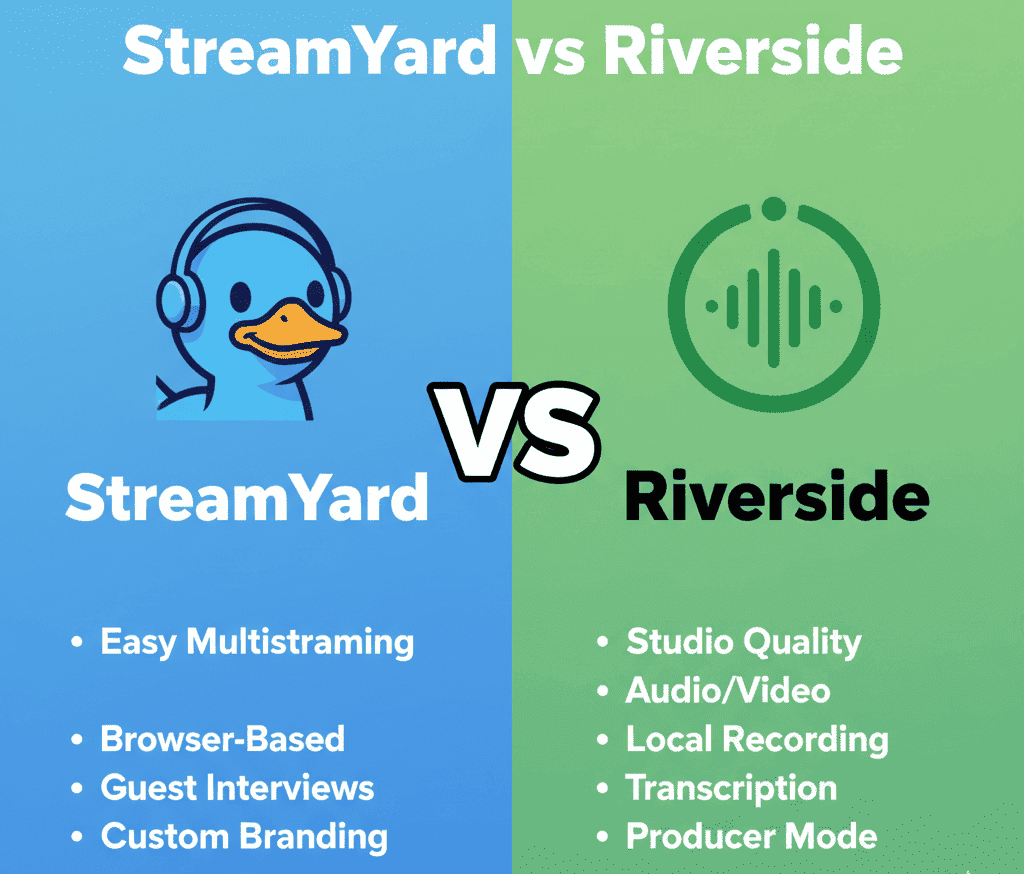
StreamYard: An Overview
StreamYard has carved a niche as a user-friendly platform for live streaming and recording directly through your web browser. It’s perfect for those who want to live stream on multiple platforms simultaneously, all with minimal fuss.
The platform shines with features meant to enhance live broadcasting. You can easily bring guests on screen, manage audience comments in real-time, and add your unique branding with logos and overlays. StreamYard’s mission is to simplify the process of engaging live broadcasts, making it an inclusive choice for content creators at any skill level.
What Does Riverside Offer?
Riverside is a comprehensive remote recording studio designed to produce high-quality audio and video content. By recording each participant’s track locally, it ensures clarity irrespective of internet connectivity issues. For a deeper understanding of how their pricing stacks up, check out Pricing Structures: A Detailed Look at StreamYard vs Riverside.
This platform is favored by podcasters and video creators who demand polished, studio-level output. Riverside’s advanced features such as text-based editing, automatic transcripts, and AI enhancements help streamline the post-production process.
How to Use StreamYard for Beginners?
StreamYard is designed with beginners in mind, allowing easy setup for live streaming and recording. Start by creating an account, choose a layout, and customize it with your branding. To make the most of your streaming experience, check out this beginner’s guide for StreamYard and Riverside.
To begin using StreamYard, follow these simple steps:
- Sign Up: Create a free account on the StreamYard website.
- Connect Your Destinations: Link your social media accounts (like Facebook, YouTube) for multi-streaming.
- Choose or Create a Broadcast: Opt for a pre-scheduled broadcast or go live instantly.
- Invite Guests: Share a link with guests to join your stream easily.
- Go Live: Click the “Go Live” button to start streaming to your connected platforms.
This user-friendly process is ideal for those new to streaming and looking to engage an audience quickly.
What Are the Best Features of Riverside?
Riverside offers several standout features that cater to high-quality content creators. Key features include local recording, automatic backups, and video snapshots.
Here are some of the best features of Riverside:
- Local Recording: Each participant’s audio and video is recorded locally, ensuring high fidelity.
- Up to 4K Quality: Supports video recording at resolutions up to 4K.
- Text-Based Editing: Facilitates easy editing by allowing users to edit content based on transcripts.
- Automatic Transcripts: Generates transcripts in real-time, which is a great asset for podcasters and video editors.
- Multi-Tracks: Provides separate audio and video tracks for every participant for flexibility in post-production.
These features make Riverside an excellent choice for content creators who value quality and efficiency.
What Are the Use Cases for StreamYard in Live Streaming?
StreamYard excels in live streaming, particularly for creators looking to engage audiences in real-time across platforms. It’s designed for hosting live shows, interviews, and events.
Here are several use cases:
- Live Interviews: Invite guests to join you in real-time, with the option to display their video feeds seamlessly.
- Webinars: Conduct educational sessions and engage with viewers through live Q&A features.
- Product Launches: Stream live product unveilings or announcements across multiple channels.
- Virtual Events: Host large-scale events virtually with multiple speakers and real-time audience interaction.
- Weekly Shows: Establish a consistent schedule where you discuss topics of interest with your community.
These scenarios highlight how StreamYard can enhance live streaming experiences for various types of content creators.
What Are Common Issues with Riverside?
While Riverside is a powerful tool, users may encounter a few common issues, such as connectivity errors and export limitations. Understanding these can improve user experience.
Here are some common issues users face with Riverside:
- Connectivity Issues: If a participant leaves due to poor internet, it may disrupt the recording.
- Exporting Lengthy Recordings: Long recordings can take time to process before they can be exported.
- Learning Curve for New Users: Some beginners may find the vast array of features overwhelming to navigate initially.
- Limited Social Media Integration: Riverside focuses more on recorded content rather than live streaming, which might not suit all users.
Awareness of these issues can help users prepare and troubleshoot effectively when working with Riverside.
Deciding Between StreamYard and Riverside
The choice between StreamYard and Riverside in 2026 depends largely on your main focus. If live-streaming multiple platforms and engaging audiences in real-time is your goal, StreamYard is likely your tool of choice. Meanwhile, those prioritizing the production of high-quality, post-production-ready content may find that Riverside offers greater value due to its robust features and professional-grade results. For a more comprehensive comparison, check out our article on StreamYard vs Restream to see how these options differ.
Matching Platforms to User Needs
- The Live Broadcast Enthusiast: For creators focused on interaction and immediacy, StreamYard is the ideal pick due to its seamless integration with multiple platforms.
- The Quality-Driven Podcaster: Riverside is better suited for you if audio and video fidelity are non-negotiable.
- The Resourceful Beginner: Starting fresh? StreamYard’s intuitive interface makes it easy to begin without getting overwhelmed.
- The Tech-Savvy Editor: If you’re ready to dive deep into editing, Riverside’s suite of post-production tools will satisfy your needs.
Practical Applications: Real Scenarios
Imagine you’re planning to host a live Q&A session to engage with your audience across different social media channels. StreamYard’s multi-platform streaming will handle this effortlessly.
Alternatively, suppose your goal is to create a new podcast series. Riverside will provide each guest’s track in crisp, clear audio for high-quality podcast episodes.
Avoid These Common Pitfalls
When selecting your platform, avoid committing before leveraging the free trials or plans to experience firsthand. Additionally, consider your primary content type to ensure the platform’s strengths align perfectly with your goals.
FAQs: StreamYard vs Riverside in 2026
- Is StreamYard or Riverside better for beginners?
StreamYard tends to be more user-friendly for beginners thanks to its simple design and ease of use.
- Can I live stream on both platforms?
Yes, both platforms support live streaming. While StreamYard is known for its multi-platform capabilities, Riverside focuses on high-quality recording.
- Which one offers better video and audio quality?
Riverside stands out for its local recording quality, surpassing StreamYard’s cloud-dependent quality.
- Do either of these tools offer a free plan?
Both platforms have a basic free plan or trial, allowing you to try out core features without financial commitment.
- Which is better for podcasting?
Riverside is preferred for podcasting due to its superior ability to capture high-quality audio tracks.
For more insights on content creation tools, check out our comparisons and discover what’s best for your unique needs.