
· By IMRAN HOSSAIN
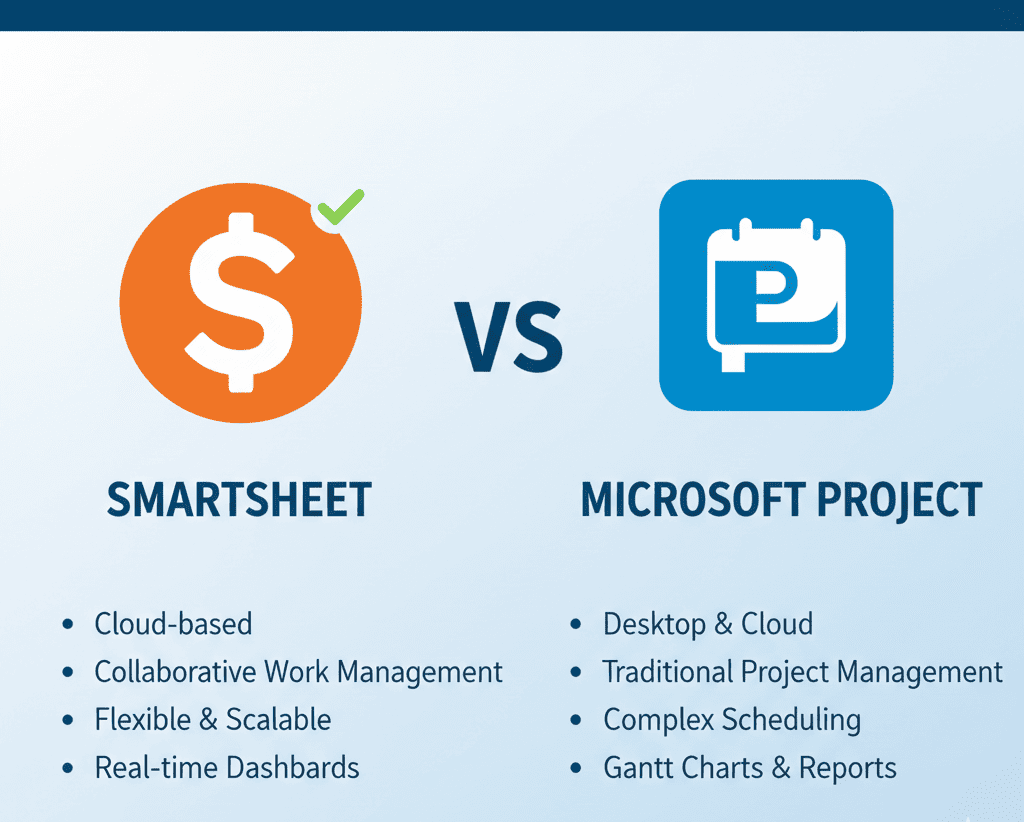
Quick answer: In 2026, Smartsheet excels for teams valuing flexibility and ease of collaboration, while Microsoft Project offers depth and control for large, complex projects. Your choice depends on your specific project needs and team dynamics.
- Smartsheet is better for smaller teams and collaboration.
- Microsoft Project is suited for detailed, complex projects.
- Pricing varies, with Smartsheet generally more cost-effective.
- Both offer free trials to explore their features.
What is Smartsheet?
Smartsheet is a versatile work management platform characterized by its spreadsheet-like interface, designed to facilitate project management, task automation, and real-time collaboration. Its intuitive layout makes it approachable for teams of all sizes. In 2026, Smartsheet continues to stand out for its flexibility and comprehensive project viewing options including Gantt charts, card views, and calendars. Teams can track the progress of tasks, manage dependencies, and make adjustments on the fly, which enhances efficiency and productivity. Moreover, Smartsheet’s mobile accessibility ensures that team members can stay updated on projects from anywhere, making it ideal for remote or hybrid workplaces.
What is Microsoft Project?
Microsoft Project is a robust project management software widely recognized for its comprehensive scheduling features, effective resource management tools, and intricate project tracking capabilities. As a critical component of the Microsoft 365 ecosystem, it is tailored for professional project managers handling complicated, large-scale projects that necessitate meticulous planning and detailed analysis. In 2026, Microsoft Project maintains its reputation by incorporating advanced features like automated scheduling, critical path analysis, and resource leveling, which enables managers to optimize their project execution and ensure on-time delivery. Furthermore, integration with other Microsoft tools enhances its functionality, making it a go-to solution for organizations deeply embedded in the Microsoft environment.
How Do Smartsheet and Microsoft Project Compare?
The primary difference between Smartsheet and Microsoft Project lies in their approach and usability. Smartsheet emphasizes usability and collaboration, making it ideal for teams that prioritize easy communication and project visibility. Its visual dashboards and user-friendly layout facilitate quick updates and feedback loops among team members. Conversely, Microsoft Project is tailored for detailed project planning and execution, offering advanced features suited for seasoned project managers managing intricate tasks and resources. With its focus on dependency management and critical path method (CPM), Microsoft Project allows users to visualize project timelines and resource allocations more precisely, making it a preferred choice for complex scenarios.
Who Should Use Smartsheet?
Smartsheet is best suited for small to medium-sized teams that require agile project management solutions. Its user-friendly platform allows teams to quickly adapt without extensive training. If your focus is on real-time collaboration and simplicity, Smartsheet may be the right choice for you. For example, marketing teams managing campaigns or product development teams coordinating tasks across disciplines can leverage Smartsheet’s collaborative features to enhance workflow efficiency. Additionally, organizations that value transparency and stakeholder engagement would benefit from Smartsheet’s visual project updates, making it easier to inform stakeholders of progress and changes.
Who Should Use Microsoft Project?
Microsoft Project is most beneficial for organizations managing complex projects with defined deadlines and resource allocations. If you are leading a large team on a multifaceted project that requires granular control over scheduling and reporting, this tool is likely your ideal solution. For instance, construction companies or IT firms involved in software deployments may find Microsoft Project invaluable for tracking multiple interrelated tasks, dependencies, and resource constraints. The depth of analysis provided by Microsoft Project helps project managers to forecast delays and adjust timelines accordingly, ensuring that projects remain on track and within budget.
Which One Fits You?
- Solo Creators: Choose Smartsheet for its simplicity and lower cost, which is helpful if you handle projects alone. It allows for easy task management without overwhelming complexities.
- Small Teams: Opt for Smartsheet to facilitate easy collaboration among up to ten members, while ensuring everyone stays on the same page. Its visual tools can help your team align their efforts towards project goals.
- Project Managers: If you oversee complicated projects, Microsoft Project’s advanced analytics and planning tools can enhance your efficiency. It’s geared towards providing in-depth insights that are crucial for project tracking and reporting.
- Large Enterprises: Utilize Microsoft Project for effective management of large teams and intricate projects requiring robust resource management. It’s designed to handle the complexities of large project environments seamlessly.
What Are the Pricing Options for Each Tool in 2026?
Smartsheet offers a range of pricing plans, typically starting from $15 per user per month for its Pro plan, which suits growing teams. Microsoft Project has several options, beginning at around $20 per user per month for the Project Plan 1, but can escalate quickly with more complex needs. For example, dependent on your requirements, costs can rise to $55 per user per month for broader feature access. It’s essential to evaluate your organization’s specific needs and available budget. In comparison, Smartsheet’s pricing allows businesses to scale efficiently without incurring significant costs, making it a more enticing choice for startups and small to medium businesses.
What Features Do Both Tools Offer?
Both Smartsheet and Microsoft Project support essential project management features like Gantt charts, task assignment, and progress tracking. However, Microsoft Project excels in more complex scheduling and resource allocation capabilities. Smartsheet shines in collaboration, allowing teams to share updates and feedback in real time efficiently. In 2026, both tools have evolved to offer enhanced features, such as automated reporting and time-tracking integrations, enabling teams to keep a close watch on deliverables and timelines. Moreover, Smartsheet’s robust API allows extensive customization and integration with third-party applications, broadening its functionality for team-specific requirements.
Hidden Costs and Considerations
While evaluating Smartsheet and Microsoft Project, it is crucial to consider hidden costs such as additional feature add-ons and team training. For example, using advanced reporting features in Microsoft Project may require separate licenses or expensive training sessions. If your team lacks experience with well-detailed planning software, the initial setup and training can increase costs considerably. Always forecast such expenses when budgeting for your project management tool. Additionally, be mindful of the potential costs for integrating other software and systems, as extended functionalities may incur extra charges. Properly assessing these hidden costs can help avoid budget overruns in your project.
Common Mistakes When Choosing a Project Management Tool
- Not considering team size and collaboration needs before choosing. It’s essential to evaluate how many users will need access and how they will interact with the platform.
- Underestimating the importance of integration capabilities with other software. Choosing a tool that doesn’t sync well with existing tools can hinder productivity.
- Focusing solely on cost without assessing the tool’s long-term benefits. Sometimes paying more upfront can save costs in the long run through improved efficiency.
- Neglecting to utilize available free trials to test functionality. Engaging with a tool before purchase can prevent future regrets.
- Ignoring training resources that can maximize the tool’s effectiveness. Investing time in onboarding can lead to enhanced productivity and satisfaction.
Pricing Breakdown with Worked Examples
Understanding the pricing structure of Smartsheet and Microsoft Project can help organizations plan their budgets effectively. For Smartsheet, consider a team of five users opting for the Pro plan at $15 per user per month. This totals $75 monthly or $900 annually, which covers essential features suitable for agile project management. In contrast, for Microsoft Project, take a team of three using the Project Plan 3 at $30 per user per month, totaling $90 monthly or $1,080 annually. This investment provides advanced planning tools, necessary for complex project execution. Evaluating these scenarios demonstrates how costs can accumulate based on team size and needs, guiding organizations towards a more informed decision.
FAQs
What are the key differences between Smartsheet and Microsoft Project?
Smartsheet focuses on flexibility and ease of use, making it ideal for teams who need to collaborate easily. Microsoft Project is a more powerful tool for complex projects, offering detailed scheduling and resource management for professional project managers.
Is Smartsheet easier to learn than Microsoft Project?
Yes, Smartsheet is generally considered much easier to learn and use. Its familiar spreadsheet interface allows teams to get up and running quickly, while Microsoft Project has a steeper learning curve and may require formal training.
Does Smartsheet integrate with other software?
Smartsheet offers many integrations with popular tools like Microsoft Teams, Slack, and Google Workspace. This makes it a great option for teams that use a variety of different software platforms.
Which tool is better for managing large teams?
Both tools can manage large teams, but for complex, enterprise-level projects with extensive resource management needs, Microsoft Project is often the preferred choice due to its advanced features.
What about pricing? Which one is more affordable?
Smartsheet is generally more affordable and offers a range of pricing plans. Microsoft Project is on the higher end of the pricing scale, especially for its more advanced plans with premium features.
Can I create Gantt charts in both tools?
Yes, both Smartsheet and Microsoft Project allow you to create Gantt charts. However, Microsoft Project’s Gantt charts are more detailed and advanced for complex project timelines.
Realistic Example Scenarios
Consider a digital marketing agency managing multiple clients’ campaigns. They decide to use Smartsheet due to its flexibility and collaborative features, allowing team members to easily contribute and stay updated without extensive training. Each campaign can be tracked via Gantt charts, and changes are communicated in real-time, which suits their fast-paced environment.
In contrast, a construction company launching a large infrastructure project opts for Microsoft Project. This tool gives them granular visibility over timelines and resources, enabling detailed tracking of dependencies and critical paths. The ability to generate comprehensive reports helps project managers forecast potential delays effectively.
These scenarios illustrate how each platform can be tailored to specific industry needs, enhancing performance and outcomes.
In summary, the choice between Smartsheet and Microsoft Project in 2026 ultimately hinges on your project’s unique demands. Smartsheet’s ease of use and collaborative features make it a great choice for smaller teams, while Microsoft Project’s robust capabilities are ideal for complex, large-scale projects. Assess your needs carefully to determine the best fit for effective project management.