
· By IMRAN HOSSAIN
Quick answer: MyMind is ideal for individuals seeking a straightforward, AI-driven tool for personal knowledge management, whereas Notion is better suited for teams needing a customizable workspace for collaboration and project management in 2026.
- MyMind offers simplicity and effective organization for personal users.
- Notion stands out for team collaboration and extensive customization.
- The choice depends on whether you prioritize individual use or team dynamics.
- Consider pricing, features, and your personal or team needs when selecting.
- Both applications have robust mobile options for ease of access.
What is MyMind?
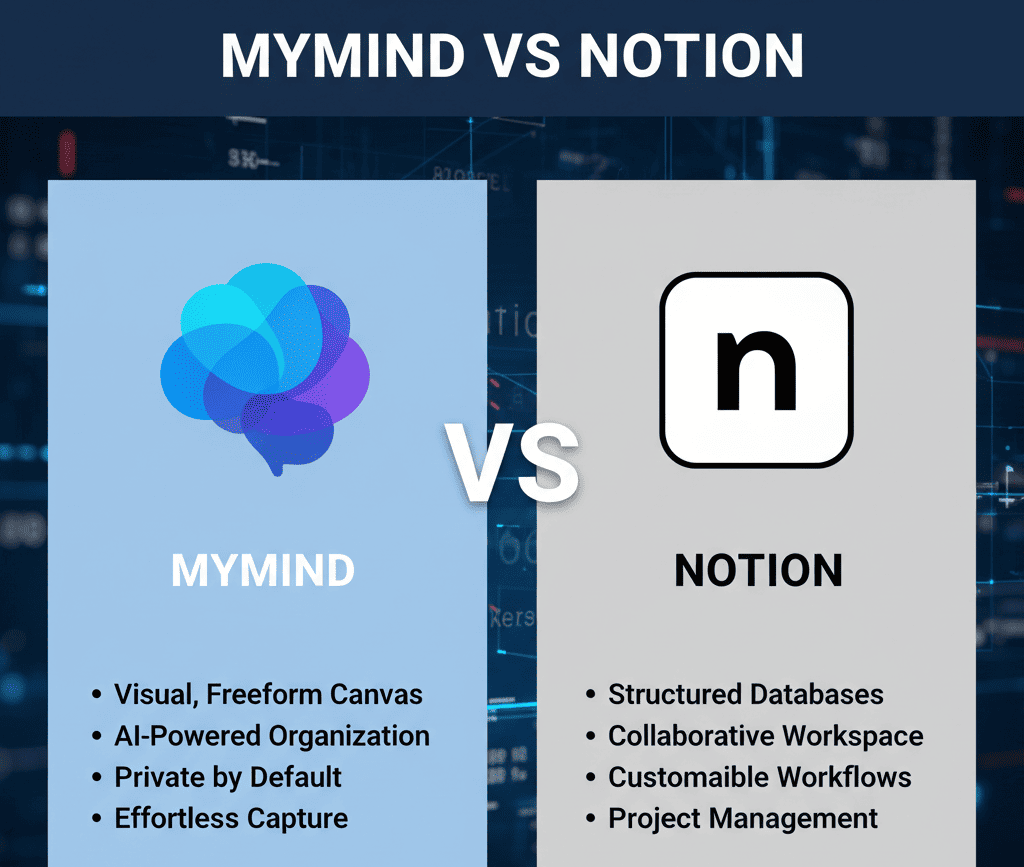
MyMind is an innovative productivity tool designed as a personal knowledge management system. It utilizes artificial intelligence to seamlessly organize notes, articles, and images without requiring manual tagging or folder systems. This simplicity renders it useful for creative individuals, including writers, designers or anyone who benefits from a highly visual and intuitive approach to storing ideas. Users can quickly save content by simply copying and pasting URLs or images into the app, making it easy to collect inspiration on the go.
The primary aim of MyMind is to facilitate the easy retrieval of saved information, allowing users to focus on creativity rather than organization. This makes it particularly attractive for people who prefer a minimalist structure that enhances productivity without overwhelming complexity. The AI component learns the user’s preferences over time, aiding in relevant content suggestion and arrangement, thereby ensuring important information is just a click away.
What is Notion?
Notion is a versatile and customizable all-in-one workspace that combines notes, project management, and wikis into a single application. Users appreciate its robust features, which include databases, customizable templates, and collaborative tools, making it ideal for a wide range of purposes, from personal project tracking to team collaboration. Users can create everything from simple to-do lists to complex project trackers, tailoring their workspaces to suit specific needs.
Notion’s flexibility caters to various audiences, including freelancers, startups, and large organizations. Its design encourages both creativity and structured project management, allowing teams to collaborate in real-time, thus streamlining workflows across multiple disciplines. This adaptability is a significant advantage for teams working on projects that require frequent updates, feedback, and role assignments, ensuring everyone stays aligned with goals and deadlines.
How do MyMind and Notion Compare in Terms of Pricing?
MyMind offers an affordable subscription rate of $79 per year for full access to its features, positioning itself as a cost-effective solution for individual users. In contrast, Notion provides a free plan with limited features, while its paid plans for teams range from $10 to $30 per user per month, depending on the level of access required. For example, a team of 10 might pay between $100 to $300 monthly for Notion, depending on the chosen features.
This pricing difference signifies that MyMind may be more advantageous for single users who need a straightforward platform, whereas Notion is structured to support multiple users but at a higher cost. Opting for MyMind can result in significant savings if the user’s primary requirement is personal knowledge management without extensive collaboration needs. Overall, it’s essential to evaluate the services you will use to determine the best fit for your budget and productivity needs.
Which One Fits You Best?
Choosing between MyMind and Notion largely depends on your specific use case. Here are some profiles to consider:
- Solo Creators: If you are a freelancer or an artist, MyMind is preferable due to its simplicity and visual curation. It helps in swiftly gathering and managing creative ideas in an organized fashion.
- Small Teams: If you’re part of a small team or startup, Notion’s collaborative features and project management capabilities will likely meet your needs better, as it enhances communication and task tracking.
- Tight Budget: Individuals on a budget may find MyMind more appealing since it offers complete functionality for a single, annual fee without worrying about additional costs.
- Structured Organizations: Larger companies with diverse projects benefit more from Notion’s extensive customization options and collaborative environment that can handle multiple concurrent projects seamlessly.
Which One Should You Choose for Personal Life Management?
If your priority is organizing your personal life, MyMind is a better fit. It allows users to quickly save ideas and inspirations, eliminating the need for time-consuming organizational efforts. The streamlined interface encourages regular use without a steep learning curve. Notion, while also capable of personal organization, can overwhelm users with its complex system; while it is perfect for comprehensive project management, it can feel cumbersome for a casual user seeking to organize thoughts and tasks simply. Therefore, for personal organization focused solely on ease and efficiency, MyMind stands out as the clear winner.
Common Mistakes When Choosing Between MyMind and Notion
- Underestimating the learning curve of Notion, leading to frustration and disengagement, particularly if the user expects immediate effectiveness.
- Focusing solely on features without considering actual use cases and daily needs, which can result in selecting a tool that does not fit workflow.
- Overlooking the strength of MyMind’s AI capabilities in streamlining personal knowledge management, which might otherwise enhance user experience and productivity.
- Assuming that a free plan is enough for team collaboration when paid features might be necessary to unlock the full potential of the application.
What Specific Situations Favor MyMind or Notion?
Deciding which tool best suits you comes down to understanding specific use cases. For instance, if you regularly need to write and store personal notes or creative inspiration, MyMind’s intelligent organization system significantly streamlines this process. However, if you’re managing a team project with intricate deadlines and diverse tasks, Notion’s structured environment provides better support through features like task assignments and collaborative editing. A tangible example would be a content creator using MyMind to develop concepts for videos, while utilizing Notion to manage the production schedules and collaborations that follow.
For example, a podcaster producing weekly episodes might use MyMind to jot down ideas quickly, such as potential episode topics, quotes, or research, while using Notion to plan recording schedules, create scripts, and manage guest lists. This hybrid approach allows users to leverage the strengths of both applications efficiently, optimizing their workflow and enhancing productivity.
How Do They Handle File Storage?
MyMind excels in its approach to managing and storing a variety of file types, including images, links, and articles, using AI to ensure these resources are easily accessible. On the other hand, Notion is geared more towards notes and collaborative content, which can lead to slower performance when numerous large files are involved. If your work involves heavy multimedia content, such as video editing or graphic design materials, choose MyMind for lighter, quicker access to creative resources and inspiration. Alternatively, for project documentation and collaborative files, Notion’s structured organization can better facilitate team tasks and deliverables.
Which is Easier to Use for Beginners?
For beginners, MyMind is undoubtedly the more straightforward choice. Its clean interface requires minimal setup and presents a low barrier to entry, making it inviting for first-time users. In practice, this means that individuals can begin using the application effectively right after signup without extensive training or tutorials. In contrast, Notion’s steep learning curve may deter users who seek quick, uncomplicated solutions. For newcomers wanting immediate results with various functionalities, MyMind is the path of least resistance, allowing them to focus more on content than on navigation methods.
Do Both Programs Offer Mobile Applications?
Yes, both MyMind and Notion have mobile applications available for both iOS and Android, allowing users access to their content on the go. MyMind’s mobile app is user-friendly and streamlined for quickly saving notes and ideas on the fly, ensuring that inspiration can be captured anytime. Meanwhile, Notion’s application provides more comprehensive access to its extensive feature set, ensuring that users can maintain productivity, whether in a meeting or on the move. This mobile accessibility is critical in today’s fast-paced environment, where users often juggle multiple tasks throughout the day.
Can You Integrate MyMind and Notion for Enhanced Productivity?
Combining the strengths of MyMind and Notion can optimize your workflow. Use MyMind as an initial storage space for thoughts and creative ideas, then transition those ideas into Notion to develop projects and detailed tasks. This approach allows users to capture inspiration in a less structured environment while benefiting from Notion’s project management capabilities when moving ideas into actionable plans. By seamlessly utilizing both applications, users can benefit from the creative freedom of MyMind and the organization and collaboration tools provided by Notion.
Final Thoughts: MyMind vs Notion
In 2026, your choice between MyMind and Notion hinges on your specific requirements. MyMind is ideal for individuals focused on personal knowledge management in a simple, intuitive format. Conversely, Notion excels for teams needing a versatile platform for collaborative project management and customization capabilities. Assess your priorities in organization and collaboration to select the tool best suited to enhance your productivity.
Pricing Breakdown and Examples
Understanding the pricing model of both MyMind and Notion can aid in better decision-making. MyMind offers a straightforward annual fee of $79, which covers all features. This model is excellent for individuals who wish to avoid fluctuating costs. Notion operates on a tiered system, with pricing ranging from a free plan to $30 per user per month for business accounts. For a team of 5 using the $10 per user plan, the annual cost would total about $600. On the contrary, an individual using MyMind pays $79, representing significant savings especially for solely personal use. Evaluating these figures based on your anticipated usage can highlight the most economically sound option.
Realistic Example Scenarios
To further clarify how MyMind and Notion can fit into your workflow, consider these realistic scenarios:
- Example 1: A freelance graphic designer might use MyMind to collect inspiration images and creative prompts for their projects quickly. The ease of storing and retrieving photos would inspire their work without distracting them from their creative process.
- Example 2: A project manager in a tech startup could leverage Notion to create timelines, assign tasks, and track progress across multiple projects. The ability to create interlinked databases would enhance collaboration among team members and keep everyone accountable.
- Example 3: A student preparing for exams might prefer MyMind to save notes, articles, and quotes with no hassle. In contrast, a study group could utilize Notion to share resources, create schedules, and track their collective study progress in one shared workspace.
Pros and Cons
| Feature | MyMind | Notion |
|---|---|---|
| Ease of Use | Very User-Friendly | More Complex |
| Cost | $79 Annually | Free; $10-$30 Monthly Per User |
| Collaboration Features | Limited | Extensive |
| Customization | Minimal | Highly Customizable |
| File Management | Strong AI Management | Standard Performance |
Decision Checklist
When deciding between MyMind and Notion, consider the following checklist to guide your choice:
- Do you require a simple user interface? – If yes, lean towards MyMind.
- Is team collaboration essential for your projects? – Choose Notion.
- Are you working within a limited budget? – MyMind may offer a better value.
- Do you need advanced project management tools? – Notion will likely be more beneficial.
- Are you focused on personal projects? – MyMind aligns more closely with individual needs.