
· By IMRAN HOSSAIN
When deciding between Visme and Prezi for your presentation needs, understanding their unique offerings can make your decision much easier. Whether you aim to create engaging business visuals or dynamic story-driven presentations, each tool offers distinct capabilities beyond the basics of PowerPoint.
Opt for Visme if you’re looking to streamline the creation of presentations, infographics, charts, and even social media graphics. On the other hand, choose Prezi if you wish to deliver a dynamic, zooming presentation with a non-linear structure.
Your choice ultimately depends on how you intend to craft and share your ideas.
Visme vs Prezi: Detailed Feature Comparison
| Feature | Visme | Prezi |
|---|---|---|
| Best For | All-purpose visual content and business presentations | Dynamic storytelling presentations |
| Presentation Style | Slide-based, interactive | Zoomable, non-linear |
| Ease of Use | User-friendly for beginners | Requires time to master |
| Templates | Extensive library | Focused on presentation styles |
| Infographics | Exceptional | Good |
| Data Charts | Outstanding | Good |
| Animation | Robust and flexible | Zoom and motion-focused |
| Interactivity | Excellent | Emphasizes flow |
| AI Tools | Diverse AI support | Specializes in presentation design |
| Team Collaboration | Strong capabilities | Solid collaboration |
| PowerPoint Import | Yes, varies by plan | Yes, easy conversion |
| Free Plan | Available | Available |
| Best for Live Speaking | Strong | Outstanding |
| Best for Multiple Content Types | Exceptional | Good |
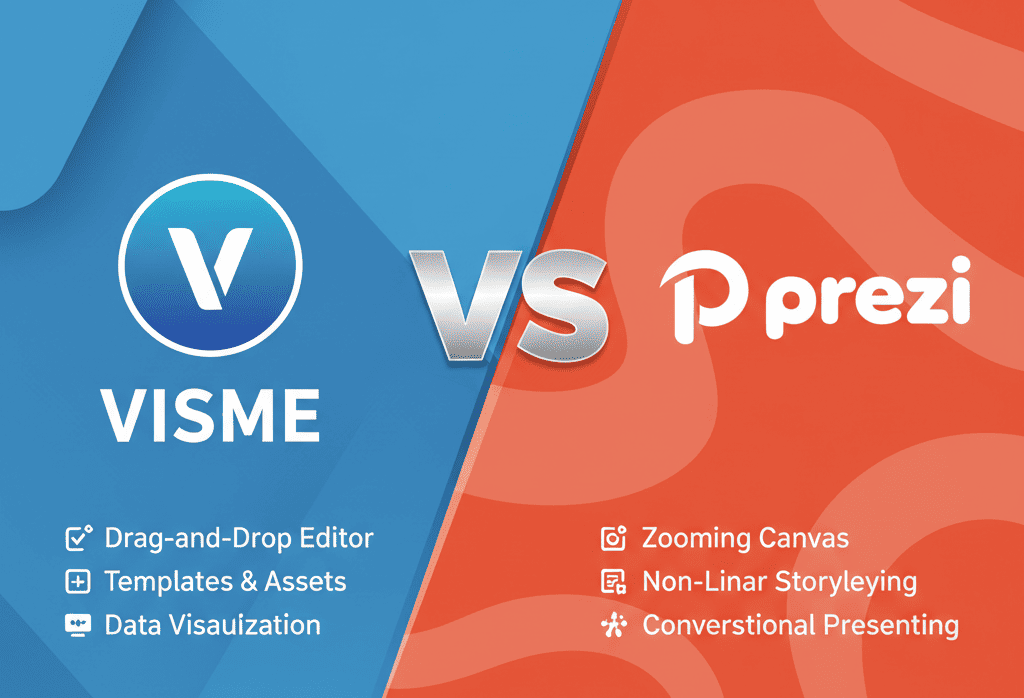
Meet Visme: The All-in-One Design Solution
Visme stands out as a versatile visual content tool, offering an intuitive drag-and-drop editor ideal for creating everything from presentations to infographics and social media graphics. Thanks to its extensive template library, even beginners can produce polished, professional outputs without any design expertise.
This makes Visme a valuable asset for both individuals and teams aiming to consistently develop on-brand visual content effortlessly.
Introducing Prezi: The Non-Linear Presentation Innovator
Prezi reimagines presentations with its unique, zoomable canvas. Unlike traditional slides, Prezi offers dynamic and engaging narrations through non-linear storytelling. By allowing you to zoom in and out to emphasize different details, Prezi provides an interactive way to convey complex information. For an in-depth look at Prezi’s features and user experiences, check out the descriptive anchor text.
It’s particularly beneficial for educators and businesses seeking to make impactful, conversational presentations that leave a memorable impression.
Choose the Right Tool: Tailored Recommendations for You
Before committing to a tool, consider how you typically craft your presentations and what your primary goals are. Here’s how each option may suit different users:
- Beginners looking for ease-of-use: Visme is ideal for you if you’re just starting. Its intuitive interface lets you create professional visuals with minimal learning curve.
- Creative professionals desiring high engagement: Prezi is your best friend if you’re seeking a fresh, dynamic way to captivate your audience with interactive storytelling.
- Corporate teams needing collaboration: Visme’s comprehensive collaboration features will help your team seamlessly work on projects together.
- Educators aiming for high interactivity: Tap into Prezi’s non-linear format to make learning exciting and interactive for students.
Imagine This: Practical Scenarios with Visme and Prezi
Scenario 1: Building a Business Proposal
Imagine you’re tasked to pitch a business proposal. Using Visme, you can effortlessly integrate data charts, infographics, and professionally-styled slides to deliver a compelling presentation that communicates confidence and clarity to stakeholders.
Scenario 2: Teaching Dynamic Classes
As a teacher wanting to hold students’ attention, Prezi’s capabilities can transform your lessons into interactive experiences. Zoom in on important details, control the flow of your class, and ensure your students leave with a better understanding of their subjects.
Checklist: Preparing for a Successful Presentation
- Define your presentation goals and choose the tool that aligns with them.
- Plan your content outline, whether it’s linear or non-linear.
- Select visuals and data representations that support your message.
- Utilize available templates to save time and ensure a professional look.
- Test your presentation on the intended software to catch potential issues.
Common Mistakes to Avoid
Avoid overloading your presentation with text; both Visme and Prezi allow for strong visual storytelling. Refrain from using too many animations or transitions as they may distract from your key points. Finally, always test your presentation on the actual platform you’ll be using to ensure compatibility and smooth delivery.
Frequently Asked Questions
- Is Visme or Prezi easier to use?
Visme is generally easier due to its intuitive, slide-based format, making it more accessible for beginners.
- Which tool is better for team collaboration?
Both offer collaboration features, but Visme is often praised for its more comprehensive teamwork capabilities.
- Can I use these tools for more than presentations?
Yes, Visme supports creating infographics and graphics while Prezi mainly focuses on dynamic presentations.
- Do they offer a free plan?
Yes, both tools provide free plans with limited features and watermarks on projects.
- Which is better for live presentations and public speaking?
Prezi’s zooming interface is ideal for engaging live presentations, surpassing traditional slide transitions.